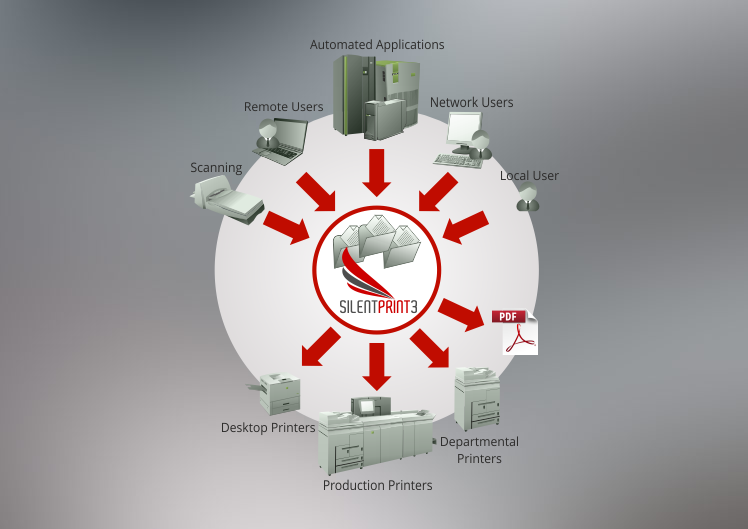
Whether you need to print documents that originate from a local or remote file system, an automated application, or a scanning process, the batch printing functionality of SilentPrint gets the job done quickly and easily.
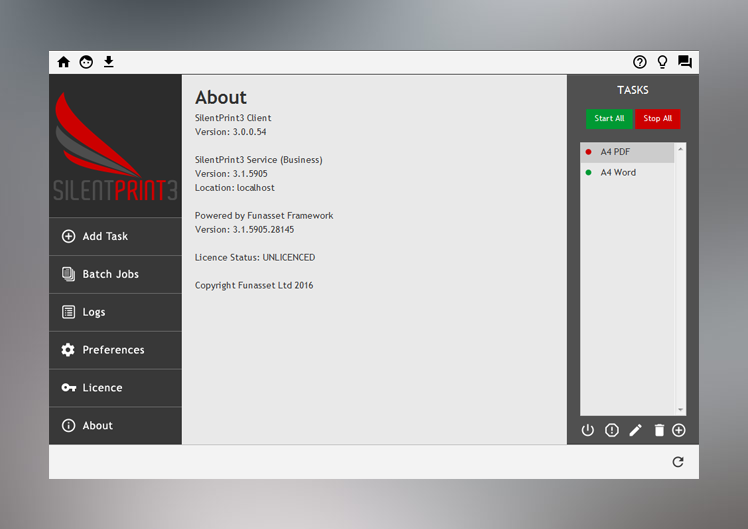
Use SilentPrint’s intuitive configuration screen to link a file system folder to one or more printers. Place the documents that require batch printing in that folder then relax as SilentPrint does the rest. Furthermore, if you want to batch convert documents such as Word, Excel, TIF, JPEG and HTML to PDF, a folder can be linked with your Adobe PDF driver instead of a printer.

Any number of folder and printer combinations can be configured (version dependent) to provide hassle-free batch printing whatever the volume. Documents in the same folder can even be load-shared amongst two or more printers to further reduce the time it takes to print them.
To eliminate the tedium, time and costs involved when printing large volumes of documents, download and try SilentPrint now!
Further information about SilentPrint and links to download and buy can be found on the following Funasset web pages:
Overview / How It Works / Benefits & Features / Versions
SilentPrint is designed for Windows and supports a wide range of document formats including Office, PDF, bitmaps and many more.
If you are an existing SilentPrint customer, links to renew an annual licence, buy an upgrade, receive support and login to your user account can be found on the pages above.
Looking to establish your own hybrid mail system? Click here to find out how Funasset can help you become a prominent hybrid mail provider.